

Visit
Official Website

Latest News

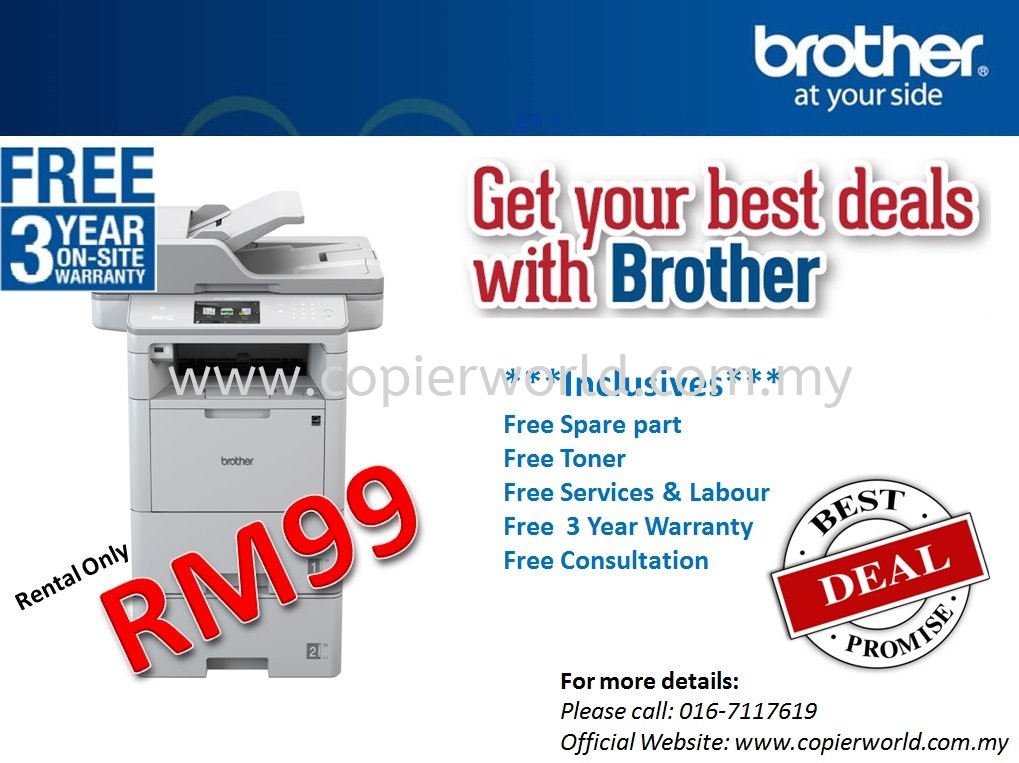
Sewa Mesin Fotostat Dari RM99/Bulan Untuk Pejabat, Klinik, Sekolah & SME

May 17, 2026
Sewa Mesin Fotostat Dari RM99/Bulan Untuk Pejabat, Klinik, Sekolah & SME
View Full Size
Sewa Mesin Fotostat Dari RM99/Bulan Untuk Pejabat, Klinik, Sekolah & SME
 
Kos operasi bisnes semakin meningkat. Banyak syarikat kini mencari cara untuk mengurangkan kos tanpa menjejaskan operasi harian pejabat. Salah satu cara yang lebih bijak ialah memilih pakej sewa mesin fotostat berbanding membeli mesin baharu dengan kos yang tinggi.
 
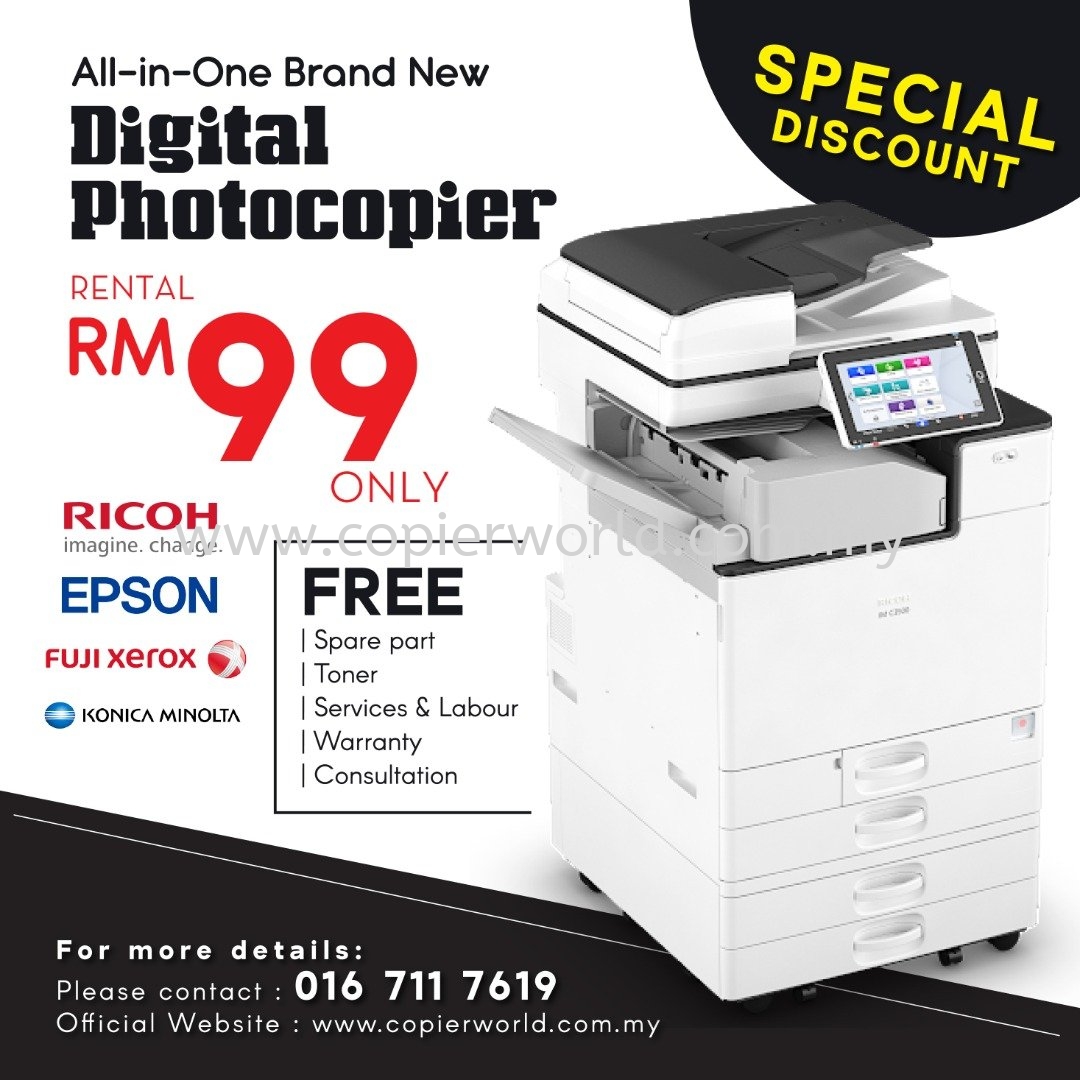
Great Image Marketing Sdn Bhd menyediakan pakej sewa mesin fotostat, sewa photocopier dan copier rental di Malaysia dari RM99/bulan.
 
Kenapa Pilih Sewa Mesin Fotostat?
 
Membeli mesin fotostat baharu memerlukan modal yang lebih besar. Selain harga mesin, syarikat juga perlu mengambil kira kos toner, alat ganti, servis, pembaikan, penghantaran dan pemasangan.
 
Dengan pakej sewa mesin fotostat, perniagaan anda boleh menikmati kos bulanan yang lebih terkawal dan lebih mudah dirancang.
 
Pakej Sewa Boleh Termasuk:
 
Toner disediakan
Alat ganti disediakan
Penghantaran disediakan
Pemasangan disediakan
Sokongan servis dan maintenance
 
Sesuai Untuk:
 
Pejabat
SME
Klinik
Sekolah
Kilang
Tuition centre
Corporate office
 
Jimat Kos Operasi Pejabat
 
Pakej sewa mesin fotostat membantu bisnes mengurangkan kos pembelian mesin dan memberi fleksibiliti kepada syarikat untuk memilih mesin yang sesuai mengikut penggunaan harian.
 
Jika mesin diperlukan untuk printing invoice, quotation, report, dokumen klinik, bahan sekolah atau kerja pentadbiran pejabat, mesin fotostat yang sesuai boleh membantu kerja harian berjalan dengan lebih lancar.
 
Kawasan Servis
 
Kami menyediakan sokongan untuk pelanggan di Kuala Lumpur, Selangor, Johor, Melaka dan Negeri Sembilan.
 
Kawasan utama termasuk Johor Bahru, Skudai, Kulai, Senai, Pasir Gudang, Masai, Cheras, Puchong, Ampang, Klang, Subang Jaya, Petaling Jaya, Shah Alam, Kajang, Melaka dan Seremban.
 
Dapatkan Quotation Sekarang
 
Jika anda sedang mencari sewa mesin fotostat, sewa photocopier atau copier rental untuk pejabat anda, hubungi Great Image Marketing Sdn Bhd hari ini.
 
WhatsApp:
016-711 7619
 
Website:
www.copierworld.com.my

Copier Rental Malaysia From RM99/Month – A Smarter Way to Save Office Printing Cost

May 17, 2026
Copier Rental Malaysia From RM99/Month – A Smarter Way to Save Office Printing Cost
View Full Size
Copier Rental Malaysia From RM99/Month – A Smarter Way to Save Office Printing Cost
 
Many businesses in Malaysia are facing higher operating costs today. Office rental, staff cost, utilities, petrol, delivery and daily business expenses continue to increase. For many SMEs, clinics, schools, factories and offices, buying a brand-new copier machine may not be the most practical choice.
 
This is why copier rental has become a smarter and more flexible solution for many businesses.
 
Great Image Marketing Sdn Bhd provides copier rental, photocopier rental and photostat machine rental solutions in Malaysia from RM99/month. Our rental package is suitable for companies that want to reduce upfront investment and manage monthly printing costs more effectively.
 
Why Choose Copier Rental Instead of Buying?
 
Buying a copier machine may require a higher upfront cost. Besides the machine price, businesses may also need to consider toner, spare parts, service, repair, delivery and installation. These extra costs can affect monthly cash flow, especially for small and medium businesses.
 
With a copier rental package, your business can enjoy a more predictable monthly cost. Instead of spending a large amount to buy a machine, you can use the copier based on your business needs and budget.
 
Our Copier Rental Package Can Include:
 
Toner support
Spare parts support
Delivery support
Installation support
Service and maintenance support
 
This makes copier rental a practical option for offices, SMEs, clinics, schools, tuition centres, factories and corporate businesses.
 
Suitable for Different Business Needs
 
Whether your company prints invoices, quotations, reports, forms, school materials, clinic documents or office paperwork, a reliable copier machine can help improve productivity and reduce daily printing problems.
 
Our team can recommend a suitable copier rental solution based on your usage volume, office size, printing needs and budget.
 
Service Areas
 
We support customers in Kuala Lumpur, Selangor, Johor, Melaka and Negeri Sembilan, including Johor Bahru, Skudai, Kulai, Senai, Pasir Gudang, Masai, Cheras, Puchong, Ampang, Klang, Subang Jaya, Petaling Jaya, Shah Alam, Kajang, Melaka and Seremban.
 
Looking for Copier Rental in Malaysia?
 
If your business is looking for copier rental Malaysia, photocopier rental, office copier rental or photostat machine rental, contact Great Image Marketing Sdn Bhd today.
 
WhatsApp for quotation:
016-711 7619
 
Website:
www.copierworld.com.my

BEST PROMOTION FOR YEAR 2024

Dec 15, 2023
BEST PROMOTION FOR YEAR 2024
View Full Size
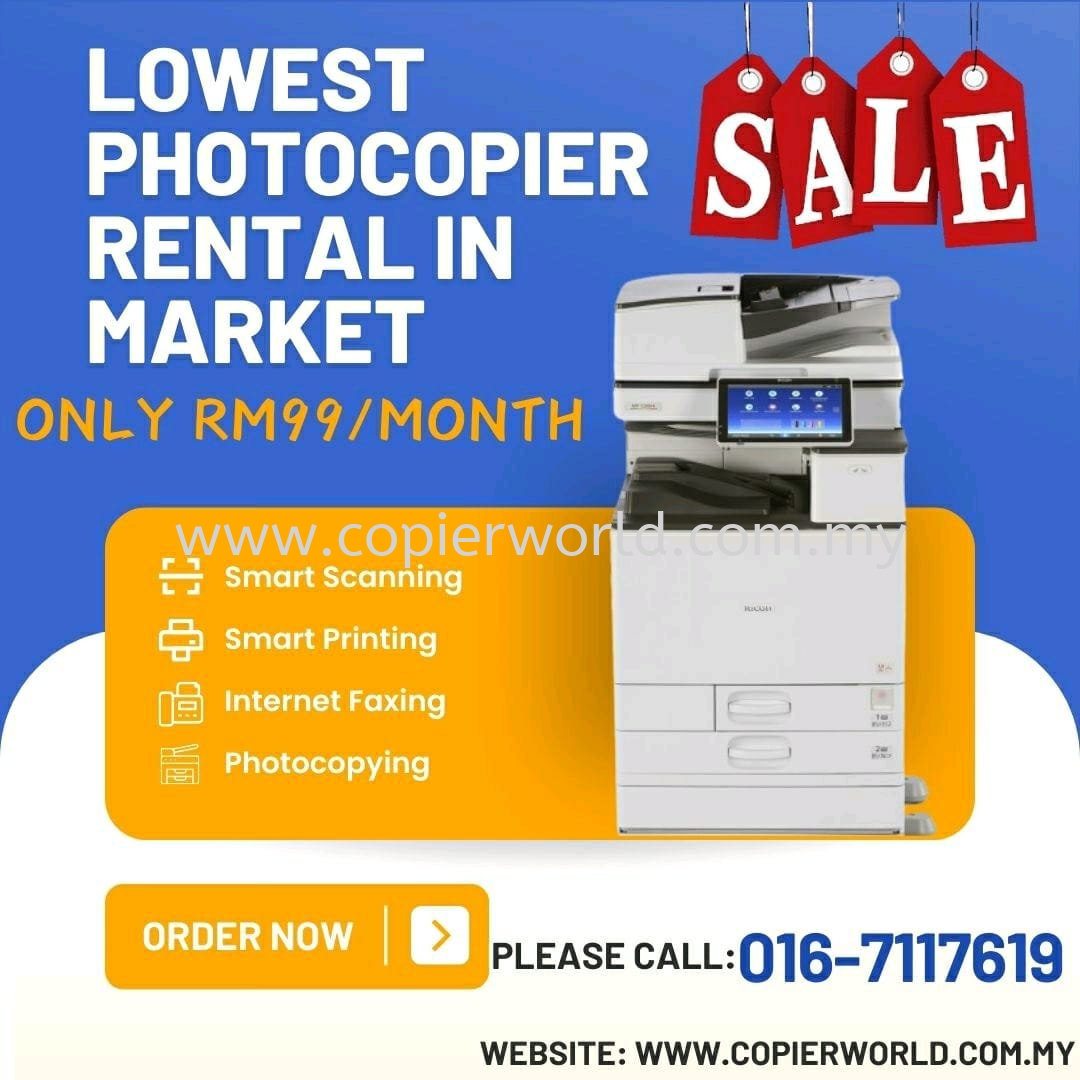
LOWEST COPIER RENTAL IN MARKET
ONLY RM99/MONTH 

2023 BRAND NEW COPIER MACHINE PROMOTION

Feb 8, 2023
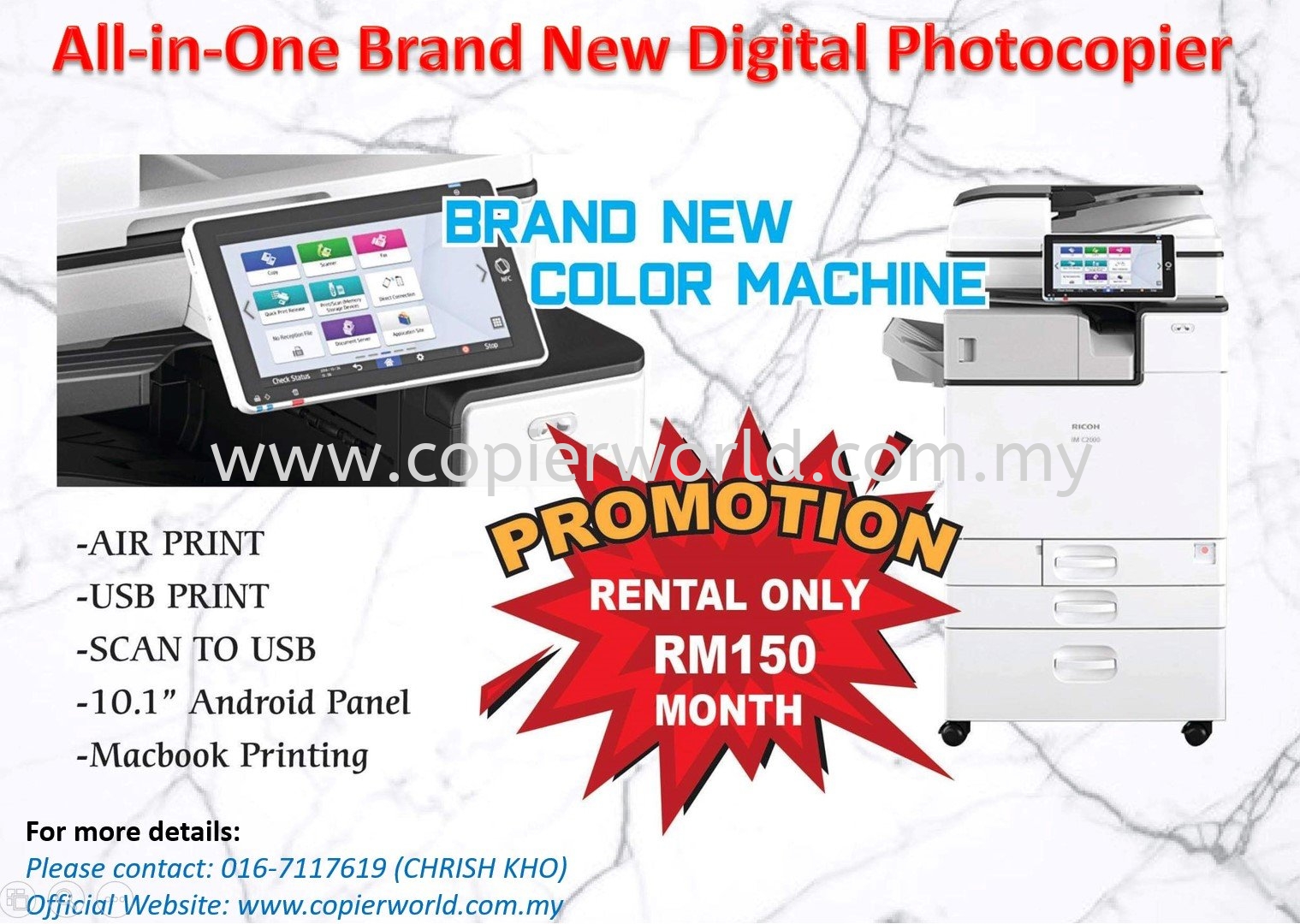
2023 BRAND NEW COPIER MACHINE PROMOTION
View Full Size
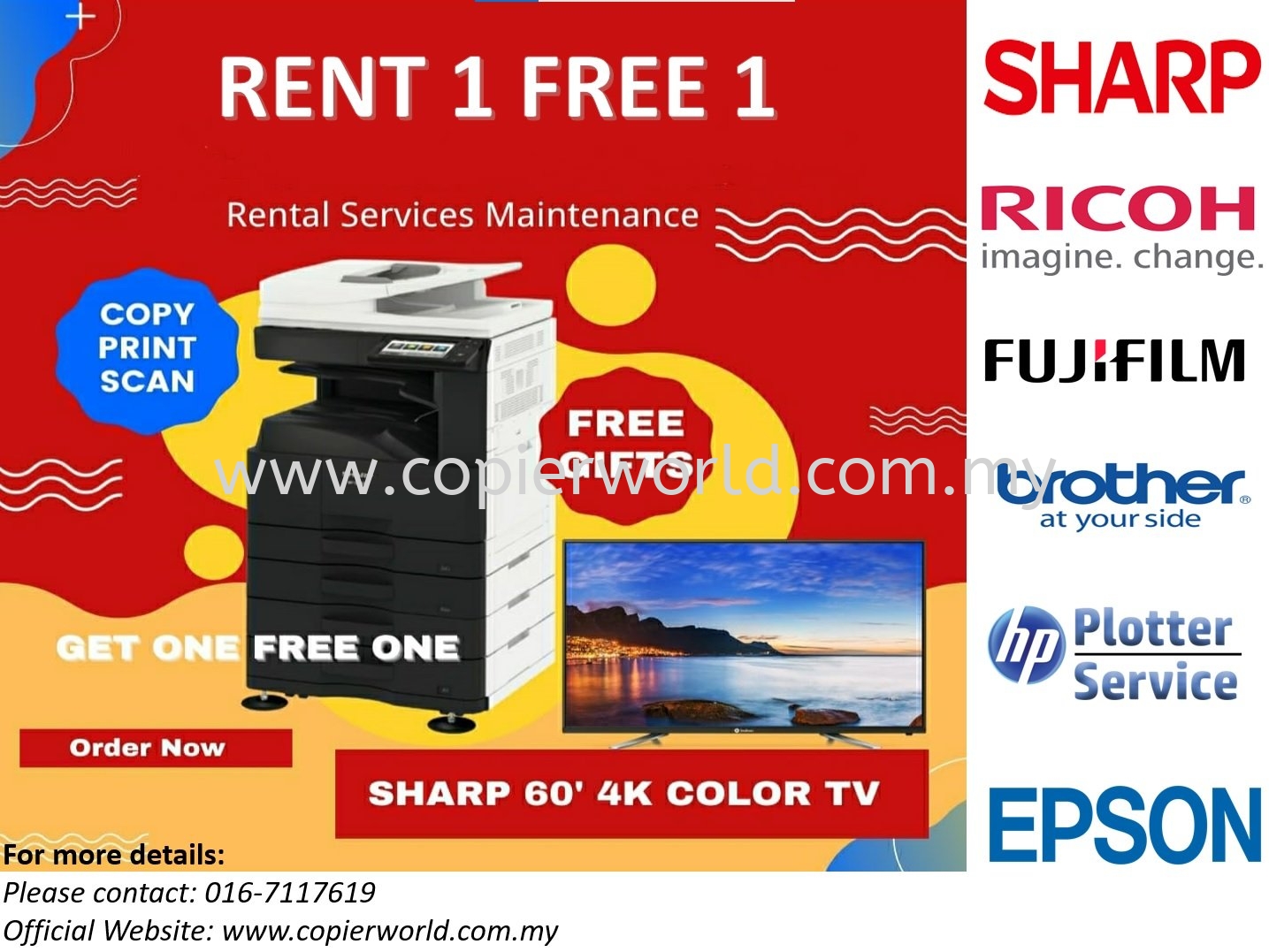
RENT 1 FREE 1 PROMOTION PACKAGE 

3 Things to Consider When Buying a New Copier

Nov 13, 2017
3 Things to Consider When Buying a New Copier
View Full Size

3 Things to Consider When Buying a New Copier


When running an office, it is inevitable that you’ll have to replace your equipment from time to time, including your printer. Perhaps you’re experiencing frequent paper jams or your printer is simply out-dated; either way it’s time for an upgrade. Believe it or not, there’s much to consider when investing in a new printer if you want to ensure it meets your requirements and is suitable for your office. Here are three things you should think about before obtaining a new printer:
  1. What Are Your Requirements?

Different printers can carry out different tasks and some are more advanced than others. For that reason, you should think about what you’re actually planning to use the device for. For example, if you need to scan, photocopy or fax your documents, it might be a good idea to consider a multifunction printer. Although these may cost more initially, they will save on energy, which reduces your carbon footprint and overall utility bills. Having one device, rather than several, will also free up some space for other furniture and/or equipment.

  1. What’s Your Budget?

Before you can spend your money on something new, you need to know how much you can justifiably spend. Remember that you don’t always have to spend a fortune to receive a decent quality product. In addition to the initial purchase, you’ll also need to consider whether or not you can afford the on-going upkeep costs. For example, some printers have cheaper cost per pages than others, so bear this in mind before you decide.

  1. Do You Have Space?

Before you can decide on a new printer, you’ll need to make sure you have somewhere to put it. Choose an appropriate spot near a plug socket and measure the area to ensure there’s enough room. By being prepared, you’ll avoid disappointment on the day of delivery.

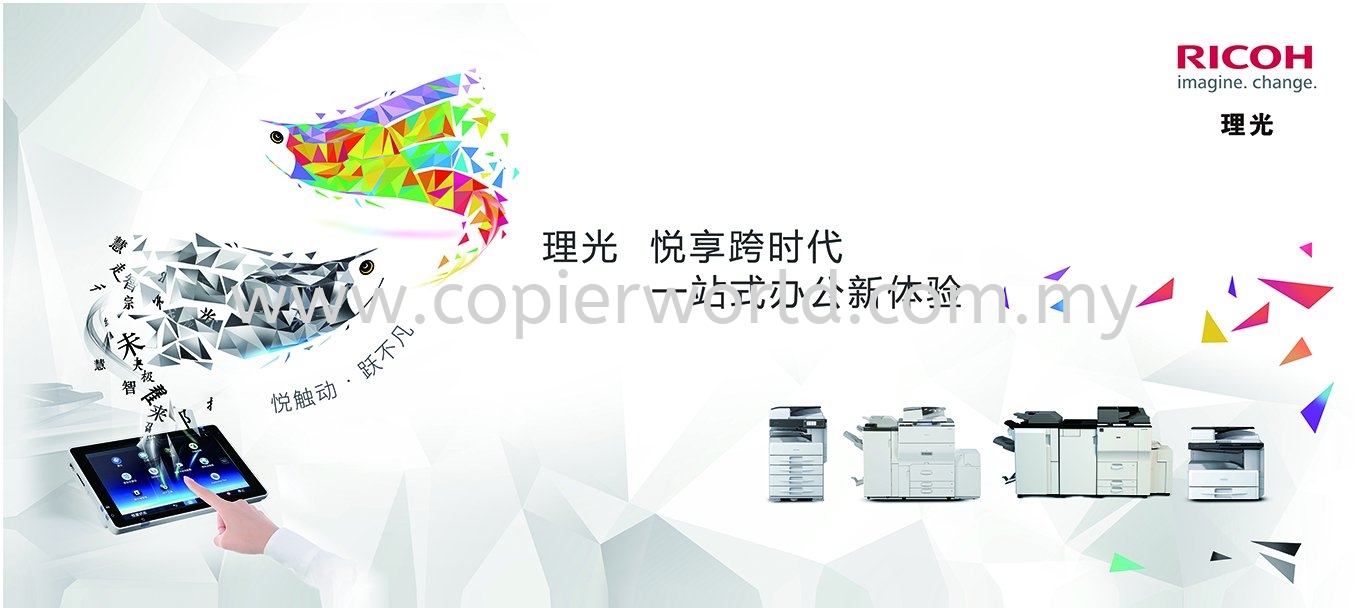
(RICOH)理光 一站式办公室体验

Aug 21, 2017
(RICOH)理光 一站式办公室体验
View Full Size

明星产品阵容再升级,助力彩色办公新
飞跃A3彩色数码复合机新品
MP C2004exSP/C2504exSP/C3004exSP/
C3504exSP/C4504exSP/C6004exSP

正式上市


近日,理光推出了六款A3彩色数码复合机新品
MP C2004exSP/ C2504exSP/ C3004exSP/ C3504exSP/ C4504exSP/ C6004exSP,
在延续了上一代产品线的规格与功能的基础上,增加了标配PostScript3(仿真)
打印语言,在严格控制成本的前提下,将会对彩色打印品质提升以及电脑操
作系统兼容性等方面有很大的帮助。通过此次产品线的升级换代,新系列产品能
够更好地全方位满足不同行业用户对于多样化文档输入输出的应用需求。


新系列产品标配的PostScript3(仿真)打印语言,可有效提高图像数据的
处理及输出效率,在色彩/图形分析的准确性上也有着不错的表现,不仅能让输
出颜色更接近原稿真实色彩,而且在线条细节处理上也能做到清晰的效果。
同时,PostScript3(仿真)打印语言又能很好地兼容苹果操作系统(Mac OS)
电脑,可以全面满足办公和专业图文制作输出用户的打印需求。
另外在打印驱动界面中,也允许对图像文件进行亮度、对比度、
CMYK各颜色调整,只需简单的步骤就能实现令人满意的色彩效果。


标配的10.1寸SOP触摸屏,采用了大尺寸无按键全触摸式设计,不仅带来
了更加直观的视觉体验,而且支持多点触控操作。通过手指按住屏幕拖动、
滑动、缩放等动作即可实现简便的操作,与智能手机、平板电脑的使用完全相同。


新系列产品支持双面同步扫描自动送稿器,可以一次同时扫描纸张的正反面,
扫描速度最高达到180页/分钟(300dpi时)。除了生产力高外,凭借内置的高速
英特尔处理器及最大4GB+2GB SOP内存,数据处理速度和作业响应速度也非常快,
可以轻松帮助用户应对大印量及连续多任务作业。


作为彩色数码复合机,新系列产品支持最大4800dpi×1200dpi打印分辨率,
还提供了色彩调整功能,可以让用户定制化属于自己的颜色表现。例如,
政府客户在复印打印红头文件时,根据原稿的颜色标准进行调整,从而让输出
的红头色彩效果贴近客户的要求。而且简便智能的使用方法降低了操作门槛,
方便每一位工作人员在现场可以独立完成操作。


输出后期的多样化装订处理功能也是新系列产品的亮点。不仅有边
角订/小册子装订、打孔功能,而且还支持无钉装订功能,既节约资源,
又能带来安全。丰富的选择可以为不同行业不同应用需求的客户提供
精美的装订效果。


MP C2004exSP/C2504exSP/C3004exSP/C3504exSP/C4504exSP/C6004exSP主要特征:

   -  10.1寸大尺寸SOP智能触摸屏,内置V4.2安卓系统

   -  内置高速英特尔处理器

   -  标配PostScript3(仿真)打印语言

   -  打印速度分别达到每分钟20页/25页/30页/35页/45页/60页(黑白彩色同速)

   -  最大打印分辨率为4,800dpi×1,200dpi

   -  支持250页双面同步扫描自动送稿器(MP C6004exSP标配),
       扫描速度最高达到180页/分钟(300dpi)

   -  标配2GB内存+2GB SOP系统内存

   -  支持300gsm厚纸与1260mm长纸打印

   -  内置红外人体检测传感器,在用户走近3步范围内自动从睡眠模式启动


Why Leased a photocopier? Try a new way to own a photocopier with us

Aug 3, 2017
Why Leased a photocopier?  Try a new way to own a photocopier with us
View Full Size
It’s not leasing, it’s EASY the THIRD WAY…

We do not lease printers, we offer the THIRD WAY… ensuring that your organization has the equipment it needs to succeed without a high initial outlay or an unpredictable budget. our EASY solution ensures that you only speak to us. If you become a client of us, you will not need to speak to a bank or finance company and will only have a contract with us. If you have an existing contract with another company, we can negotiate to settle this in advance to ensure that you have the flexibility you need to find the perfect solution.


EASY | The Third Way…

Our EASY agreement makes obtaining your print solutions through us even easier, with straight-forward contracts and ongoing account management from a single provider so your users get the solution they need with minimal admin time and costs for the agreement. We receive no money up-front, as we believe in providing high levels of service and support right through the term of the contract.


How the Photocopier Machine to Assist Market Your Company Branding

Jul 27, 2017
How the Photocopier Machine to Assist Market Your Company Branding
View Full Size

How The Photocopier Machine to Assist Market Your Company Branding

As an online retailer, with no physical store presence, it’s often more challenging to get noticed and stay in the front of peoples’ minds. We would suggest sticking to the more traditional and typically reliable medium of print when delivering orders or attending networking events. Here are some of the ways you can do so;

Create Business Cards

Handing a potential customer one of your business cards creates a personal and physical connection that is normally lacking in the digital world. Next time you attend a networking event, remember to take your business cards along with your name, address and other important contact information so that it will be difficult for people to forget you.

Brand Your Packaging

You can’t expect people to notice your brand if your deliveries are sent in a plain parcel. Print your logo on a sticker or address label and add it to the packaging. In doing so, you will not only look professional but prospective customers will think about your brand when they see your parcels.

Send Leaflets

Try and persuade people to talk about your brand by sending leaflets out with customers’ orders, so that they can pass them on to friends and family. Perhaps add a code giving potential customers a discount to encourage them to buy with you.

Send Compliment Slips

Showing your customers a little appreciation will go a long way. Send them a personal thank you note with their delivery so that they know you are grateful for their service.

Offer Loyalty Cards

Loyalty cards are a simple yet effective way to ensure your customers return to your business for their next order. Simply print some off with your branding and send them with deliveries. People often carry their loyalty cards around in their wallet or purse, so you might get some free advertising as well as repeat customers.
4 Ways to Print Less and Save More

Jul 26, 2017
4 Ways to Print Less and Save More
View Full Size

4 Ways to Print Less and Save More


Businesses seem to fall into two main camps; those to aim to go ‘paperless’ and those who depend on printing for their day to day admin. However, most offices could implement a few simple changes and significantly cut down on waste and excessive printing. 92% of people say that they print more than they need and then throw away up to a third of what they print. This waste costs Malaysia businesses millions every single year.

Print less is surprisingly easy – a lot can be achieved by simply putting a policy in place and communicating it properly. However, using the tools at your disposal can reinforce that policy and monitor print activity to find further efficiencies.

Set up Print Authorisation

Depending on your office printers and photocopiers, you may be able to set up print authorisation. This means that a job isn’t actually printed until somebody goes to the printer and authenticates it. This can completely eliminate unclaimed documents and unnecessary print jobs. It can also cut down on excess printing through user error, such as pushing a print job through more than once since only one copy will be authorised.

Reduce Paper Processes

A lot of businesses still have a huge number of paper processes that require documents to be printed for filing or other admin. Scanning these documents and emailing them to colleagues or filing them in cloud storage can streamline your processes, reduce the need for dozens of filing cabinets, and reduce your print spend.

Create Efficient Default Printer Settings

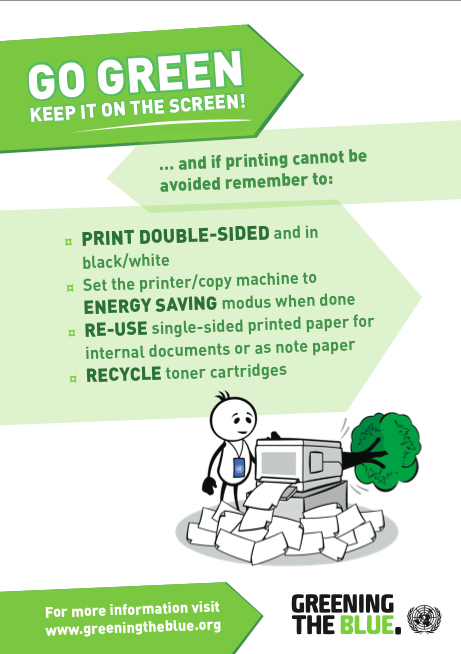
You can reduce the number of pages printed within your business by changing the default settings on your printer. This will ensure that your employees print double sided sheets automatically, or all printing jobs are set to black and white. This is a far simpler way of reinforcing a policy as everybody will print that way you require unless they purposefully change the settings

Monitor Your Print Data

Print Management Software helps you monitor print usage and identify areas where a particular person, department, or floor can improve. You can analyse data to reduce print output and keep improving your processes.


Recent Updates
Subscribe Newsletter